
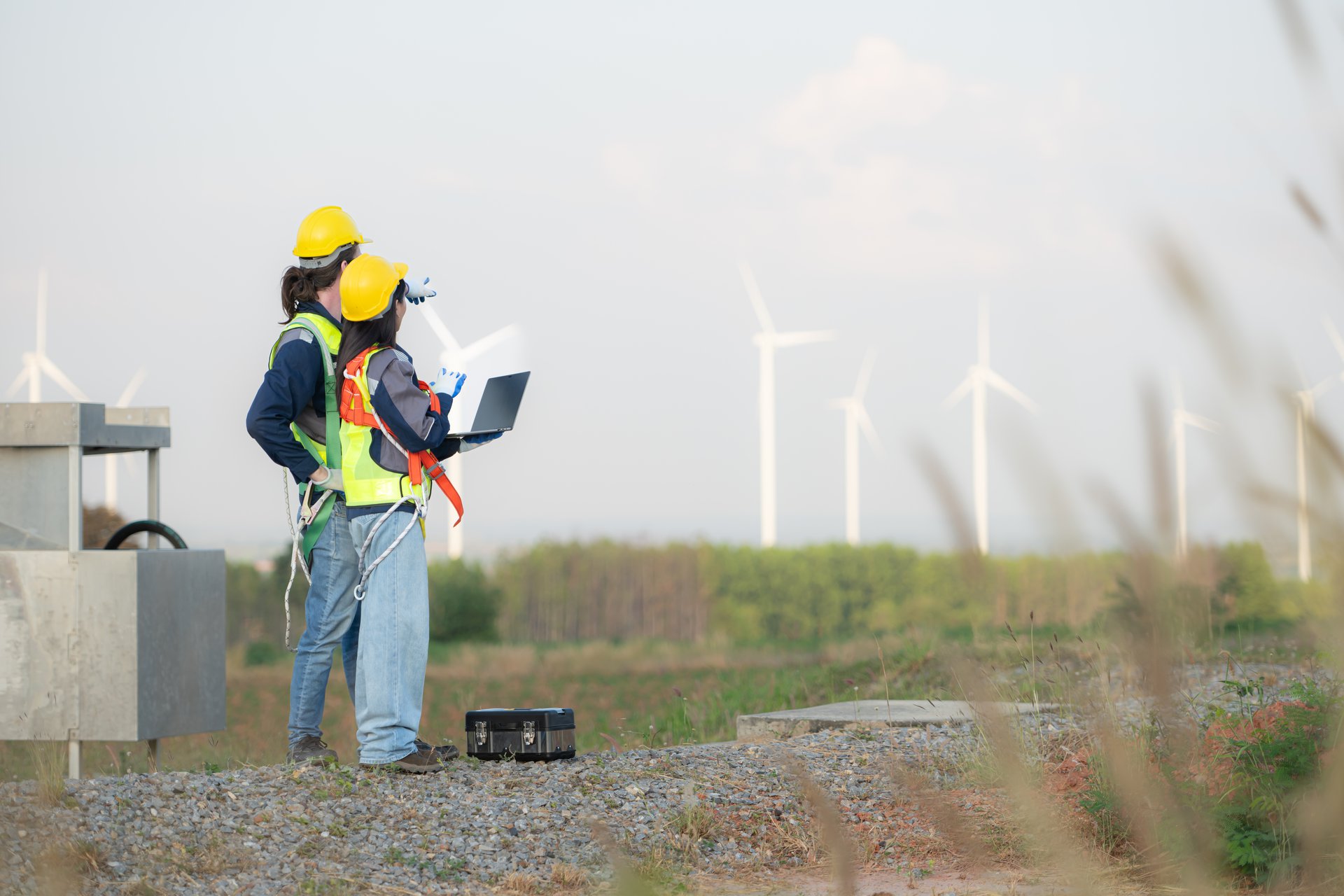
Field asset inspections for a water utility, built on Power Platform
The outcome we're after.
A water utility lives or dies on what it knows about its assets. The condition of mains, hydrants, pump stations, meters and treatment plant decides what gets maintained, replaced and budgeted. Yet much of that condition data still arrives on paper, days late, and sometimes against the wrong asset. A mobile, offline-capable app on the Power Platform lets crews inspect assets, raise and close works orders, and capture photos and GPS in the field, then sync when back in range. Power BI turns the result into an asset and works dashboard the planners actually use.
Book a discovery call 
The condition data a water utility can’t trust
A water utility is judged on assets it mostly cannot see. Mains under the road, valves in pits, pump stations, meters and treatment plant. The whole maintenance and renewal program depends on knowing the condition of those assets, and that knowledge is only as good as what the crews record in the field. When the recording is poor, every decision downstream inherits the fault.
In a lot of utilities the recording is still paper. A crew inspects a run of hydrants, fills in a form, and the form rides around in the ute until someone keys it in days later, if it survives at all. By the time the condition data reaches the asset system it is stale, partial, and occasionally attached to the wrong asset. A defect found on Monday becomes a works order on Thursday. None of that is the crew’s fault. The tools never matched the work.
The obligations do not wait for the paperwork to catch up. A water utility carries asset management and safe-drinking-water duties, has to keep works and inspection records a regulator or auditor can rely on, and owes its field crews a workplace that meets work health and safety law. A condition record that cannot be trusted, or a works history with gaps, is a real exposure, not just an inconvenience. The data has to be right, and it has to be right at the point the crew is standing in front of the asset.
Why Power Platform, with offline-first design for field crews
The aim is a field app crews actually use, that captures clean condition data and feeds the planners, and that does not fall over the moment the signal drops. We headline these builds on the Microsoft Power Platform for three practical reasons. Power Apps gives a mobile inspection and works app that runs on the phones and tablets crews already carry. The platform sits inside the Microsoft 365 tenant the utility already runs, so identity, security and data governance are not a fresh problem. And the same data feeds Power BI directly, so the asset and works dashboard comes from the same source the crews populate.
The design decision that matters most is offline-first, because field reality demands it. Crews inspect assets in pits, basements and remote sites with no coverage, so the app cannot assume a connection. Captures, photos, GPS and works orders are stored locally on the device and synced when it is back in range, with no loss if a worker drives out of signal mid-inspection. Asset lookup runs against a cached copy of the register, so a crew can find and confirm the correct asset offline, with GPS to confirm they are at the right location. When devices sync, the platform resolves conflicting edits rather than letting the last write silently win.
We kept the asset register as the source of truth on purpose. The app reads the existing register and writes inspections and works orders back against the same asset IDs, rather than building a parallel list that drifts. Power BI then reads from that store and shows condition by asset class, location and severity alongside the open works backlog, so planning runs on current field data instead of last quarter’s spreadsheet.

Building it, and where it got hard
The platform was rarely the hard part. The friction lived where the field met the data, and one problem stood above the rest. Tying every inspection to the right asset, with no signal to check it.
A water utility has thousands of similar assets close together. Three hydrants on one street, a bank of valves in a single pit. A hydrant inspected and recorded against the wrong asset ID is worse than no record at all, because it corrupts the register with confidence and sends a future crew to the wrong place. Early in the build this was the live risk. Crews offline could not query the live system to confirm which asset they were standing at, so the easy failure was a plausible but wrong match.
The fix was offline-first done properly, not a faster form. The app carried a cached copy of the asset register so crews could search and open the right asset with no signal. It used GPS to confirm the worker was at the recorded location of that asset and flagged a mismatch when they were not, which caught most wrong-asset selections before they were saved. Captures were stored locally and synced later without loss, and on sync the platform handled conflicts where two devices had touched the same asset rather than letting one quietly overwrite the other. We also kept the forms fast. A long, slow form is the surest way to send a crew back to paper, so the inspection had to be quicker than the form it replaced, or it would not be used.
Two constraints shaped the rest. Devices were rugged but modest, so the cached register and image handling were sized to run on a mid-range tablet, not just an office laptop. And because each inspection is a record a regulator or auditor may rely on, every capture carried who, when and where, so the works and condition history stood up to scrutiny long after the crew had moved on.
What changed
In a representative deployment the large majority of routine asset inspections moved off paper and onto the app, so condition data arrived structured and same-day instead of re-keyed weeks later. Raising and closing works orders in the field cut the lag between finding a defect and scheduling the fix, shortening the average works turnaround. And offline asset lookup with GPS confirmation cut inspections logged against the wrong asset close to nil, which is the error that quietly corrupts an asset register.
These figures are illustrative. They describe the pattern we see rather than a published result for a named utility. The shape is the point. Condition data the utility was always collecting starts arriving clean, current and tied to the right asset, the works backlog becomes visible the day a defect is found, and the planners price renewal and maintenance against real condition rather than guesswork. That is what gets asset data off paper and into a register the business can trust.
Where this fits
A field asset inspection app is one application of our Process Optimisation service, built on the Microsoft Power Platform, for an Australian water utility. It is a contained, high-return starting point, because the inspections already happen and the value comes from capturing them cleanly, offline, and feeding the result to the people who plan the work. If your condition data arrives late, on paper, and you cannot fully trust which asset it belongs to, the place to start is to map your field inspection and works process and decide the handful of asset classes worth digitising first.
Representative outcomes
Inspections digitised
In a representative deployment the large majority of routine asset inspections moved from paper forms to the app, so condition data arrived structured and same-day rather than re-keyed weeks later.
Faster works turnaround
Raising and closing works orders in the field cut the lag between finding a defect and scheduling the fix, shortening the average works turnaround noticeably.
Cleaner asset records
Offline asset lookup with GPS confirmation cut inspections logged against the wrong asset ID close to nil, which is the error that quietly corrupts an asset register.
This solution applies our Process Optimisation service, built primarily on Microsoft Power Platform , for the Utilities sector.
Supporting stack: Power BI, Microsoft 365.
Go deeper: Process Optimisation for Utilities , or Process Optimisation with Microsoft Power Platform.
Related solutions.
Representative Solution. An illustrative scenario based on how we deliver, not a named client engagement. Outcome figures are representative, not published results.
Frequently asked.
How can technology be used in utilities?
What is a digital field asset inspection?
Does it work offline in the field with no signal?
How does asset condition data flow into planning and maintenance?
Can it integrate with our asset register and GIS?
Get asset condition off paper
We will map your field inspection and works process and show you how an offline-capable Power Platform app would capture condition data your asset register can rely on.
Book a discovery call